One set of rules for every terminal screen
tui-kit holds the layout and colour rules, and the Ratatui widgets, that I use to make full-screen Rust terminal apps behave the same way. It also connects a Rust program to an Ink renderer, and draws image cards in terminals that can show pictures.
- Version
- main
- Status
- No release yet
- Licence
- MIT
- Language
- Rust
Why I built it
Radar is a full-screen terminal app with a lot of screens. Each one needed the same decisions made again: where the app bar goes, how a panel is drawn, which colour means focus, what the help line says. I wanted those decisions made once, in code I could point at, so a review could cite a rule instead of an opinion.
What it does
tui-kit is for developers writing full-screen terminal apps in Rust who want them to look and behave consistently without building every widget and rule themselves. It has four parts, and each works on its own:
- The design rules for a screen: one layout, colours, keys and help, numbered so a review can refer to them.
- Those rules in code for Ratatui: a theme with colour tiers, an app bar, panels, a help bar, row selection.
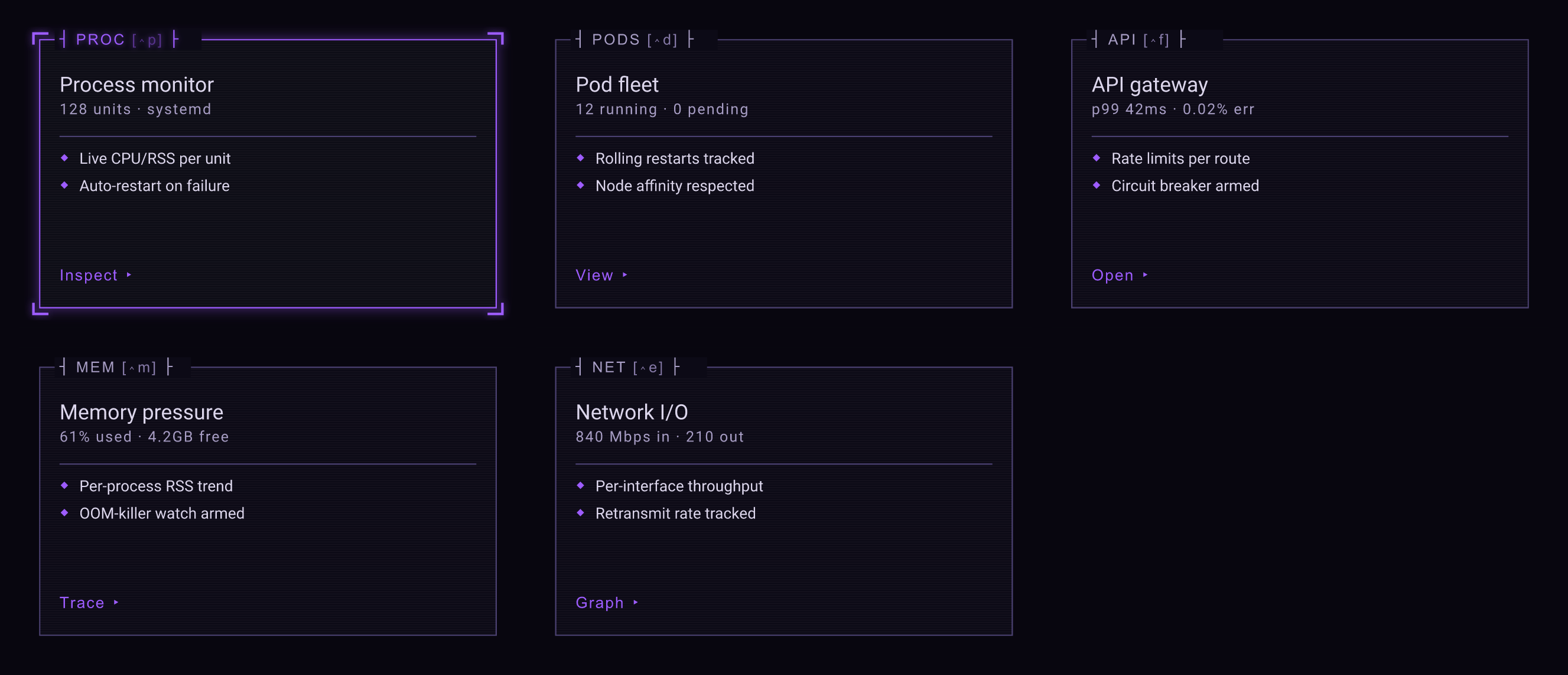
- Image cards, drawn as SVG and shown as real pictures in Kitty, iTerm2 or Sixel terminals, and as half-block characters elsewhere.
- A link between a Rust program and an Ink renderer running beside it: the Rust side starts the renderer, sends it what to draw and restarts it if it crashes; the Ink side is the other end of that link.
Clone the repository and run cargo run --example gallery to see the cards, or cargo run --example console for cards inside an app shell with tabs and a status bar. You need Rust 1.90 or later.
How I built it
The parts came out of Radar as they settled. The Ink link exists because I wanted React’s component model for the renderer without giving up a Rust host, and the skills folder in the repository holds what I learned making Ink apps run full screen, take mouse input and stay fast.
There is no release yet. Use it from Git until there is one.